How teams use Hive · Accounting · Preview
From your VAT workings to the nine boxes, checked, without re-typing.
Attach the spreadsheet. Hive computes the boxes, checks they add up and that the period is open, and lays the return out for review.
Preview: HMRC sandbox only. Not yet available for live returns.
- Who it's for
- Accounting practices and finance teams doing MTD VAT.
- Typical week
- Quarterly
Before
- Total the workings.
- Re-key nine figures into bridging software or HMRC's site.
- Check box 3 and box 5 by hand.
- Look up whether the period is open.
With Hive
Attach the workings
In Ask Hive, attach the VAT workings (Excel or CSV) or pick them from the Library, and ask: “Compute the VAT return from VAT Q1.xlsx and prepare it for period 24A1.”
Hive computes and checks
Hive reads the figures itself (the AI never types them) and computes the nine boxes. It checks box 3 is box 1 plus box 2, that box 5 is the difference between boxes 3 and 4, and that HMRC lists the period as open.
Review
Review the laid-out return. Preparing it sends nothing to HMRC.
Submit only with approval
To submit, ask Hive to. An admin approves the card, and only if the workspace allows HMRC submissions.
What stays in your control
- Nothing is filed without an admin's approval.
- You sign in on HMRC's own page, and Hive never sees your Government Gateway password.
Every app you connect sits at Read, Draft or Act. On Read, Hive only tells you. On Draft, everything waits for your approval on a card. On Act, Hive acts within your workspace's limits, and anything a safety check holds back still comes to you as a card. Each story says what still waits for you.
Every action leaves a receipt in the audit log, and one kill switch stops everything.
In the docs: Accounts and autonomy · Audit log · Safety and control
Time
Preview No time is claimed: this is Preview.
Read the docs
Every step on this page is in the Hive docs, checked on 12 November 2026.
More ways teams use Hive
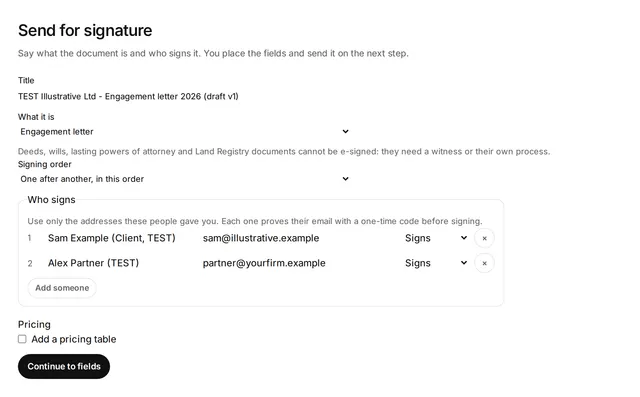 Illustrative
Accounting
Onboard a new client end to end
Accounting practices, and any professional firm that onboards clients.
Typical week: Each new client
Example, not a measurement About 3 hours of work spread over a week, down to about 45 minutes of review.
Read the story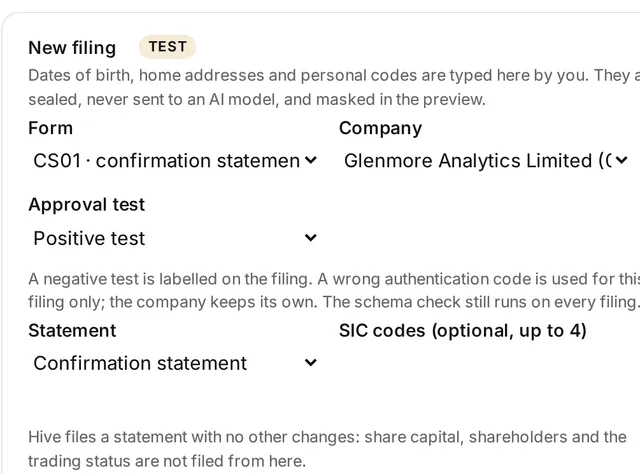 Illustrative
Accounting · HMRC part Preview
Never miss a filing deadline
Accounting practices, company secretaries, and SMEs with group companies.
Typical week: Monthly, or before each busy season
Example, not a measurement A half-day monthly deadline check down to about 30 minutes reviewing one list. This applies to the Companies House part only.
Read the storyTry it on your own work this week
Sign up, connect the tools you already use, and start with this job.