How teams use Hive · Any team
Clear the emails waiting on you before lunch.
Hive spots who is waiting for a reply and drafts it in your tone, in the same thread. You check it and approve it.
- Who it's for
- Anyone who lives in Outlook or Gmail: owners, account managers, partners, practice managers.
- Typical week
- Every morning
Before
- Scroll the inbox and sent folder to work out who is still waiting.
- Open each thread and re-read the history.
- Look up the status in another system.
- Write each reply from scratch.
- Things that slipped on Friday get found on Wednesday.
With Hive
Open Signals
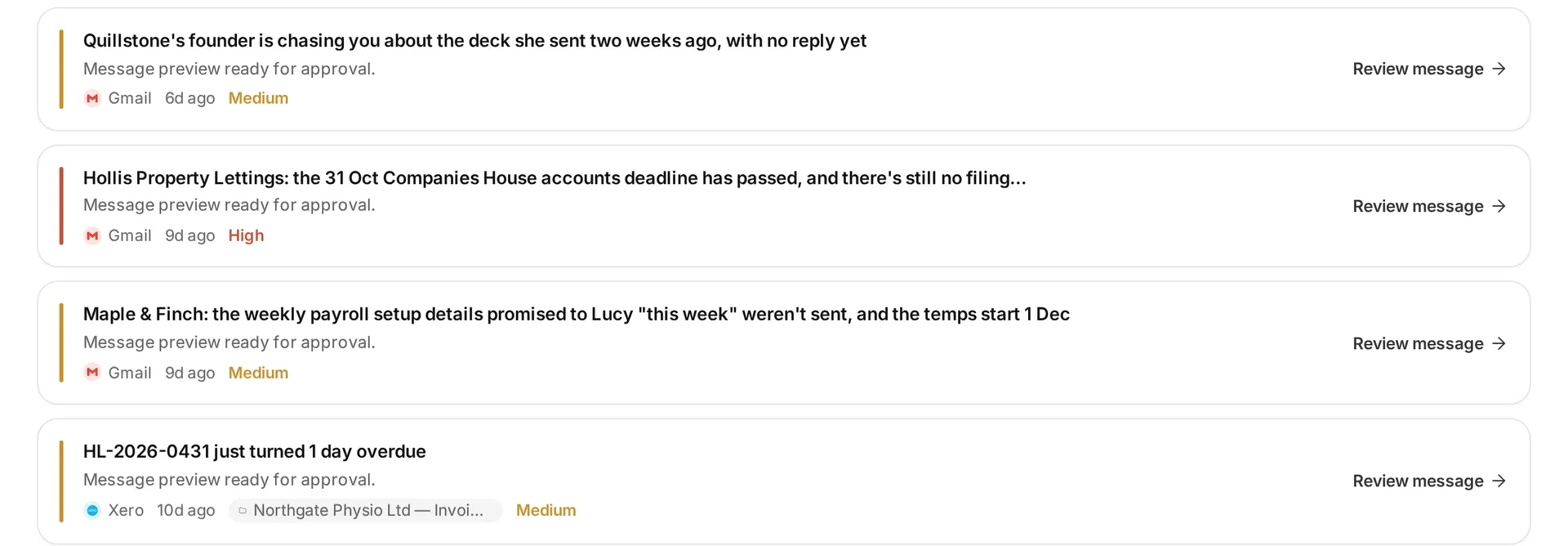
On the Attention tab, Hive lists the people waiting on a reply (Awaiting reply) and the clients who went quiet after you chased (Went quiet). Each signal shows the messages it is about, with a link to open them in Outlook or Gmail.
Review the prepared reply
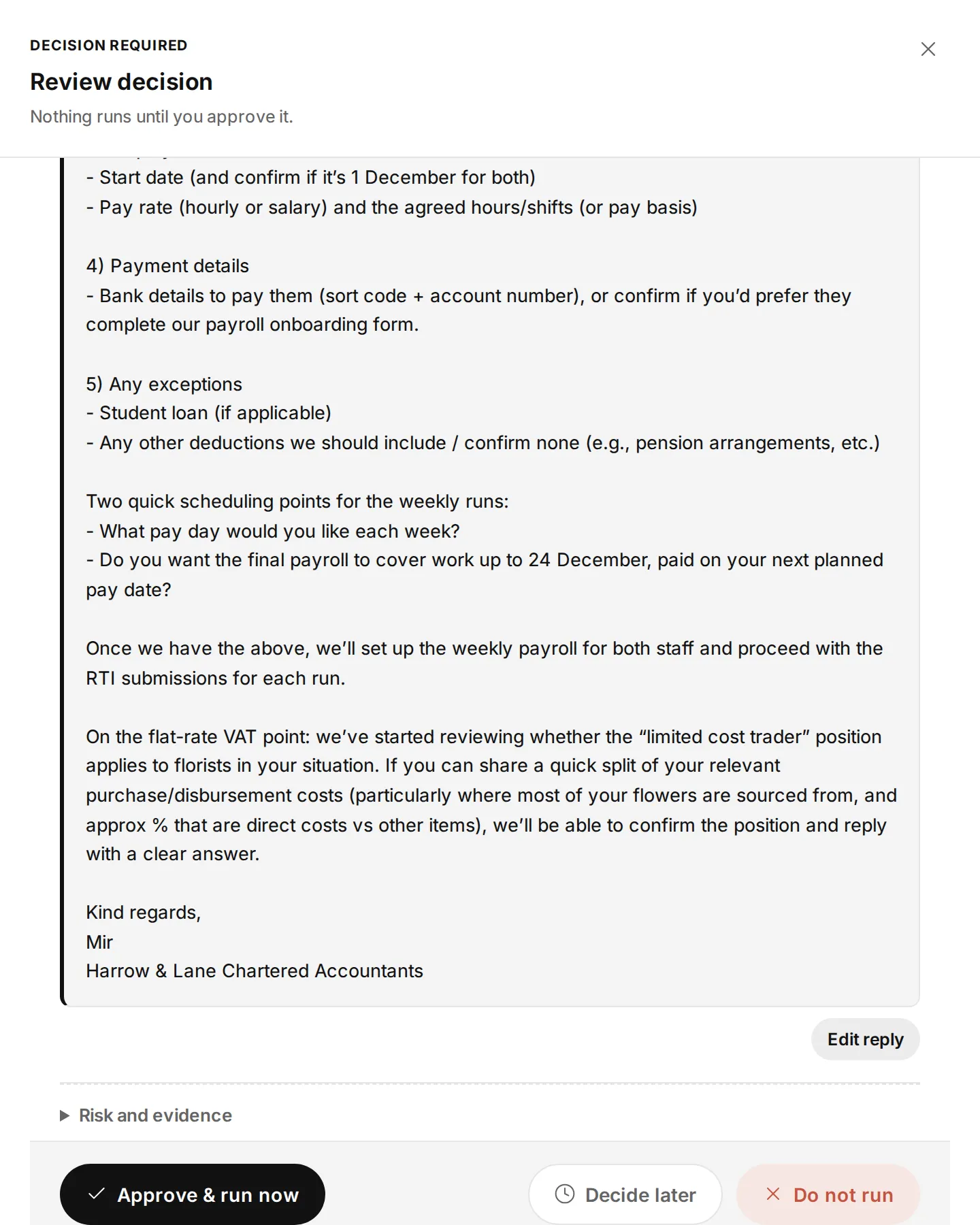
Hive reads the whole thread and prepares the reply in the same thread, in your own tone. Open it with Review reply (or Review message), and choose Edit reply to change the text.
Decide
Choose Approve & run now, Decide later or Do not run.
Or ask for it
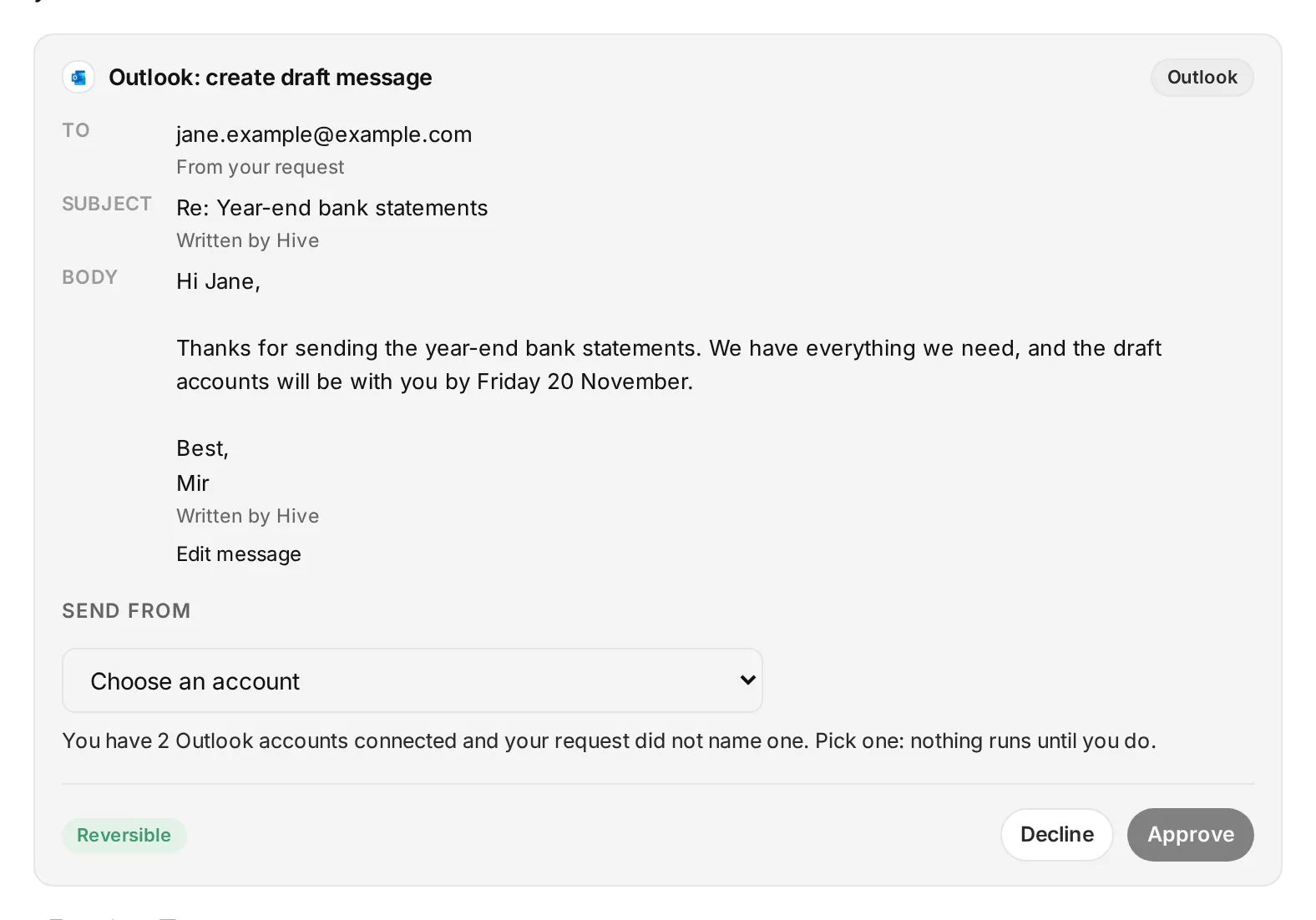
In Ask Hive: “Show me the emails I haven't replied to that are older than 3 days, and draft replies for the ones about year-end.” Each draft comes back as a card for you to approve.
On the Business plan, Signals comes with every seat (Basic, Pro and Max). On an earlier plan, Signals needs a Max seat.
What stays in your control
- The mailbox's level decides what happens: on Read, Hive only tells you; on Draft, every reply waits for you as a card. On Act, a reply in your own recent thread can go by itself; any other email comes to you as a card first.
- Hive never prepares a reply in a thread you were only copied on.
Every app you connect sits at Read, Draft or Act. On Read, Hive only tells you. On Draft, everything waits for your approval on a card. On Act, Hive acts within your workspace's limits, and anything a safety check holds back still comes to you as a card. Each story says what still waits for you.
Every action leaves a receipt in the audit log, and one kill switch stops everything.
In the docs: Accounts and autonomy · Audit log · Safety and control
Time
A morning inbox pass from about 45 minutes to about 10 minutes of reading and approving drafts.
In our tests (8 November 2026, in Hive's own test workspace):
- Hive listed the 10 Outlook threads older than 3 days that were still waiting on a reply, each cited to its email.
- It drafted a client status reply without inventing a status. One run of that draft took 202 seconds.
Example times are illustrations, not measurements. Where we say “in our tests”, it comes from Hive's own product test runs in a test workspace, dated on the page.
What it looks like
 Illustrative
 Illustrative
 Illustrative
Read the docs
Every step on this page is in the Hive docs, checked on 12 November 2026.
More ways teams use Hive
 Illustrative
Any team
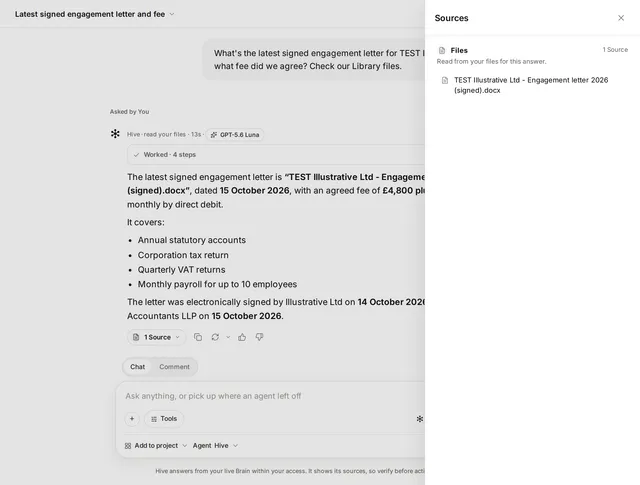
Find anything across email, drive and files
Everyone, from new joiners to partners.
Typical week: Many times a day
Example, not a measurement A 15 to 20 minute hunt down to a few minutes.
Read the story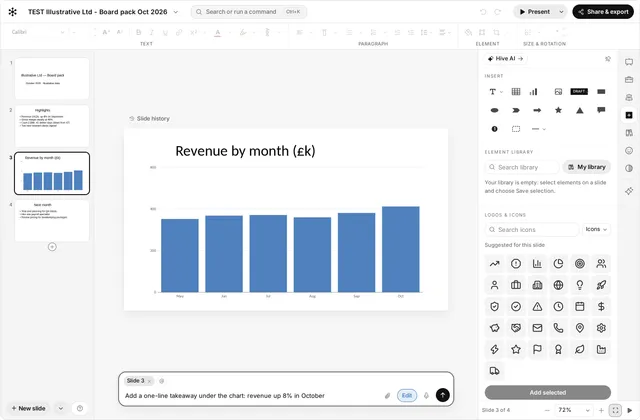 Illustrative
Any team
Build a board or client deck from your files
Owners, finance leads, consultants, and advisers preparing client packs.
Typical week: Monthly board pack or client review
Example, not a measurement A monthly pack from about half a day to about an hour of review and edits.
Read the storyTry it on your own work this week
Sign up, connect the tools you already use, and start with this job.