How teams use Hive · Any team
Get your Monday report written before you sit down.
Turn the report you rebuild every week into an agent that runs on a schedule and reads your live tools.
- Who it's for
- Owners, operations and finance leads, and sales managers.
- Typical week
- Weekly or monthly
Before
- Every Monday, pull the same numbers from the CRM, the accounts and the inbox.
- Paste them into the same template.
- Write the same commentary.
With Hive
Describe the report
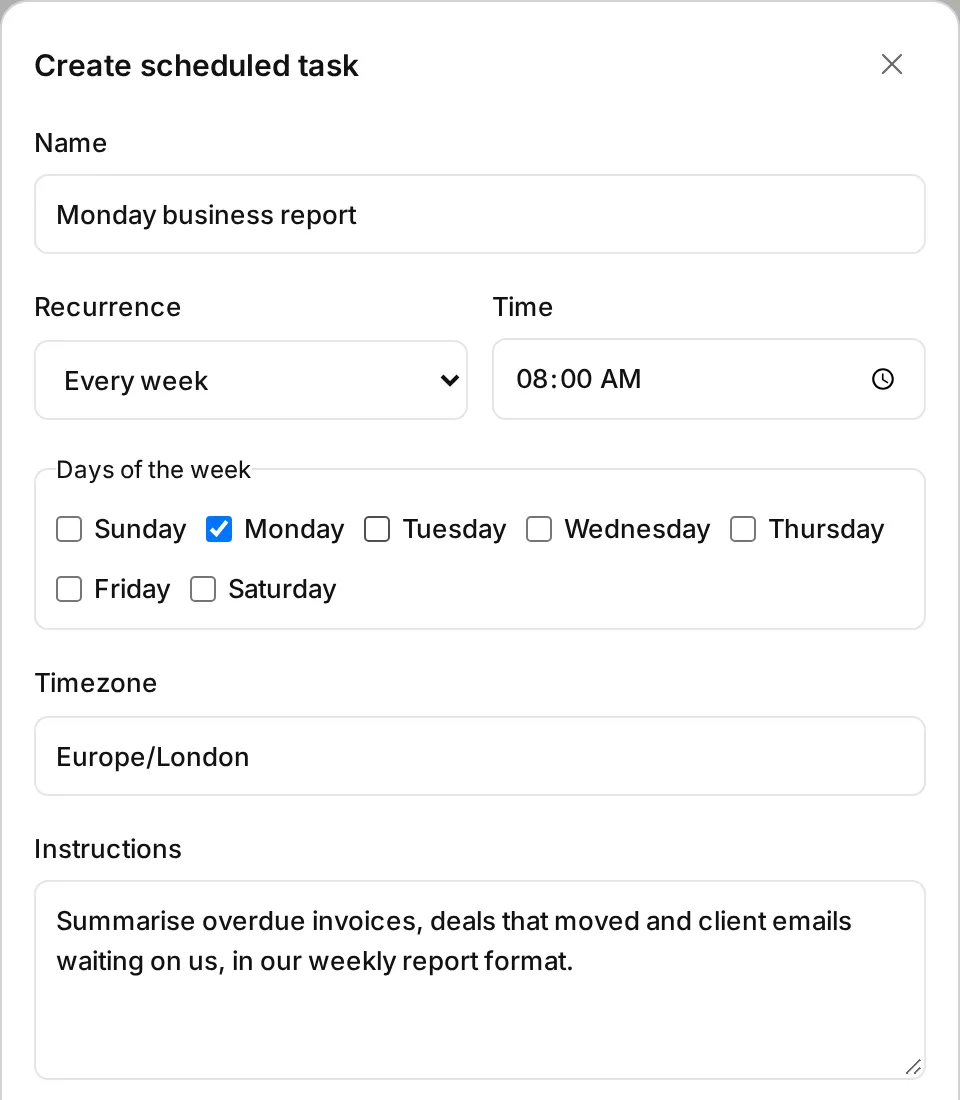
In Agent Studio, describe it: “Every Monday, summarise overdue invoices, deals that moved and client emails waiting on us, in this format.” Attach the apps it may read.
Test it
A Test reads your real data but never carries out an action: anything the agent would do shows under Would do, marked Not carried out.
Deploy and schedule
Deploy it, choose Schedule, and pick Every week, Monday, 08:00,
Europe/London.Manage it
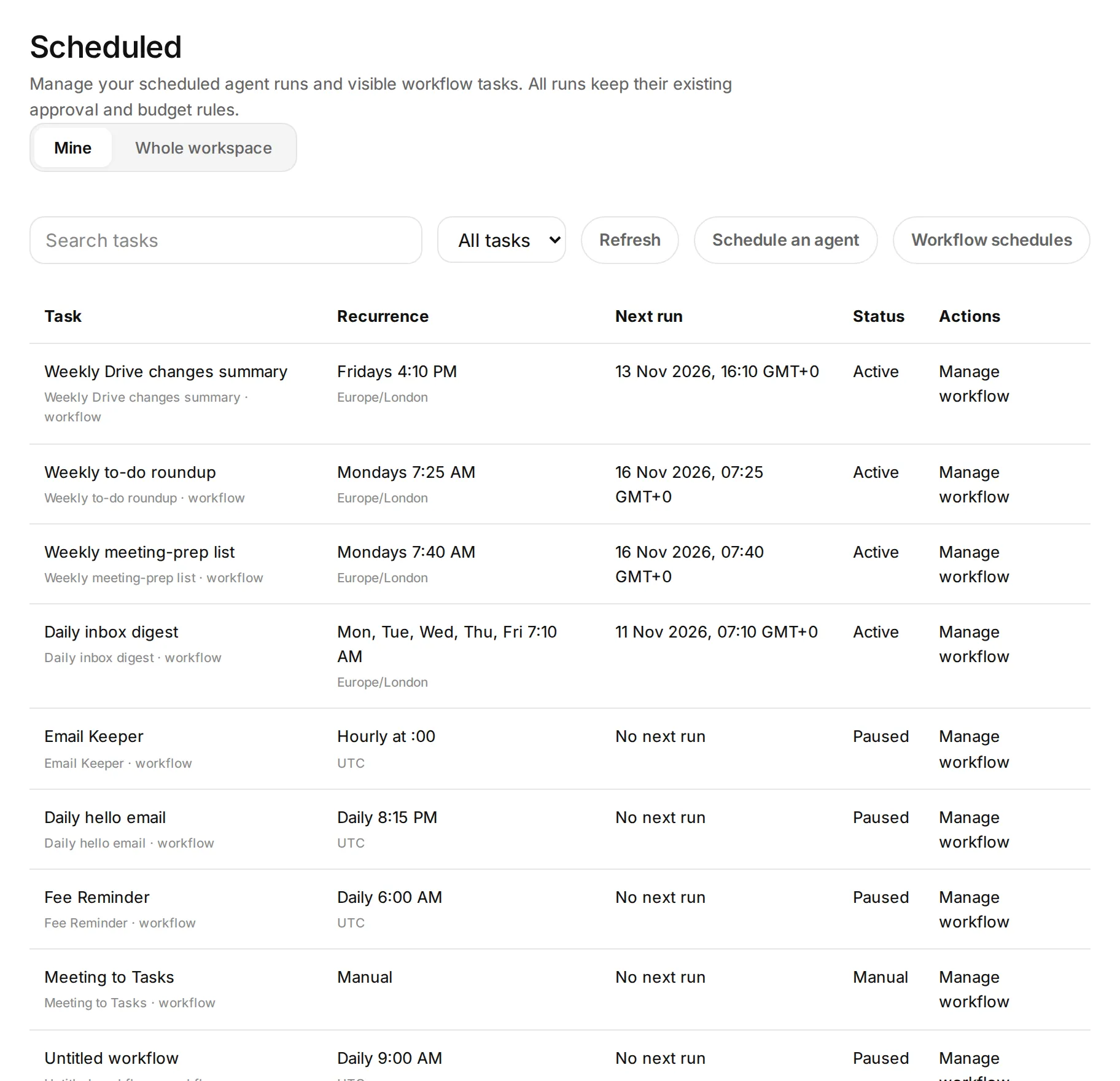
See and manage every schedule under Scheduled tasks. Each run's answer is in the agent's run history.
What stays in your control
- The same rules apply whether you ran it or a schedule started it.
- An address the agent found in something it read waits for your approval.
- A scheduled run uses the schedule owner's AI credits.
Every app you connect sits at Read, Draft or Act. On Read, Hive only tells you. On Draft, everything waits for your approval on a card. On Act, Hive acts within your workspace's limits, and anything a safety check holds back still comes to you as a card. Each story says what still waits for you.
Every action leaves a receipt in the audit log, and one kill switch stops everything.
In the docs: Accounts and autonomy · Audit log · Safety and control
Time
About an hour every Monday, down to 5 minutes of reading.
Example times are illustrations, not measurements. Where we say “in our tests”, it comes from Hive's own product test runs in a test workspace, dated on the page.
What it looks like
 Illustrative
 Illustrative
Read the docs
Every step on this page is in the Hive docs, checked on 12 November 2026.
More ways teams use Hive
 Illustrative
Any team
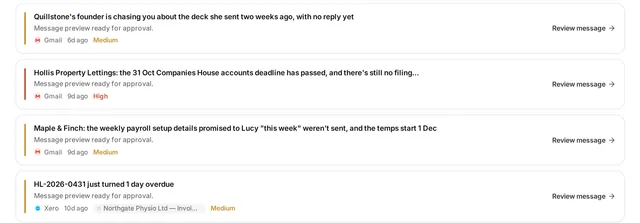
Answer the client emails waiting on you
Anyone who lives in Outlook or Gmail: owners, account managers, partners, practice managers.
Typical week: Every morning
Example, not a measurement A morning inbox pass from about 45 minutes to about 10 minutes of reading and approving drafts.
Read the story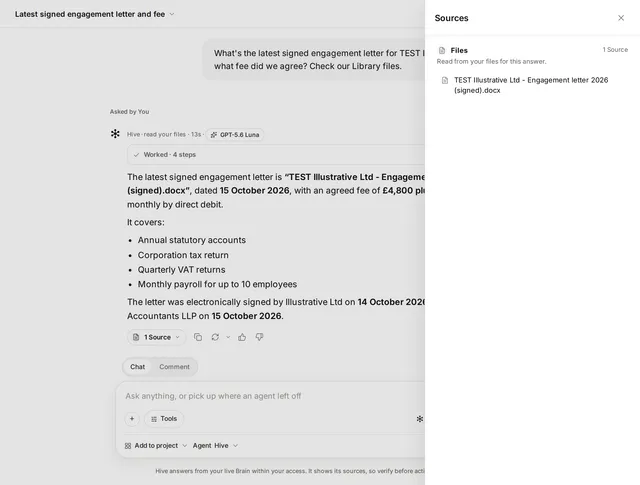 Illustrative
Any team
Find anything across email, drive and files
Everyone, from new joiners to partners.
Typical week: Many times a day
Example, not a measurement A 15 to 20 minute hunt down to a few minutes.
Read the storyTry it on your own work this week
Sign up, connect the tools you already use, and start with this job.